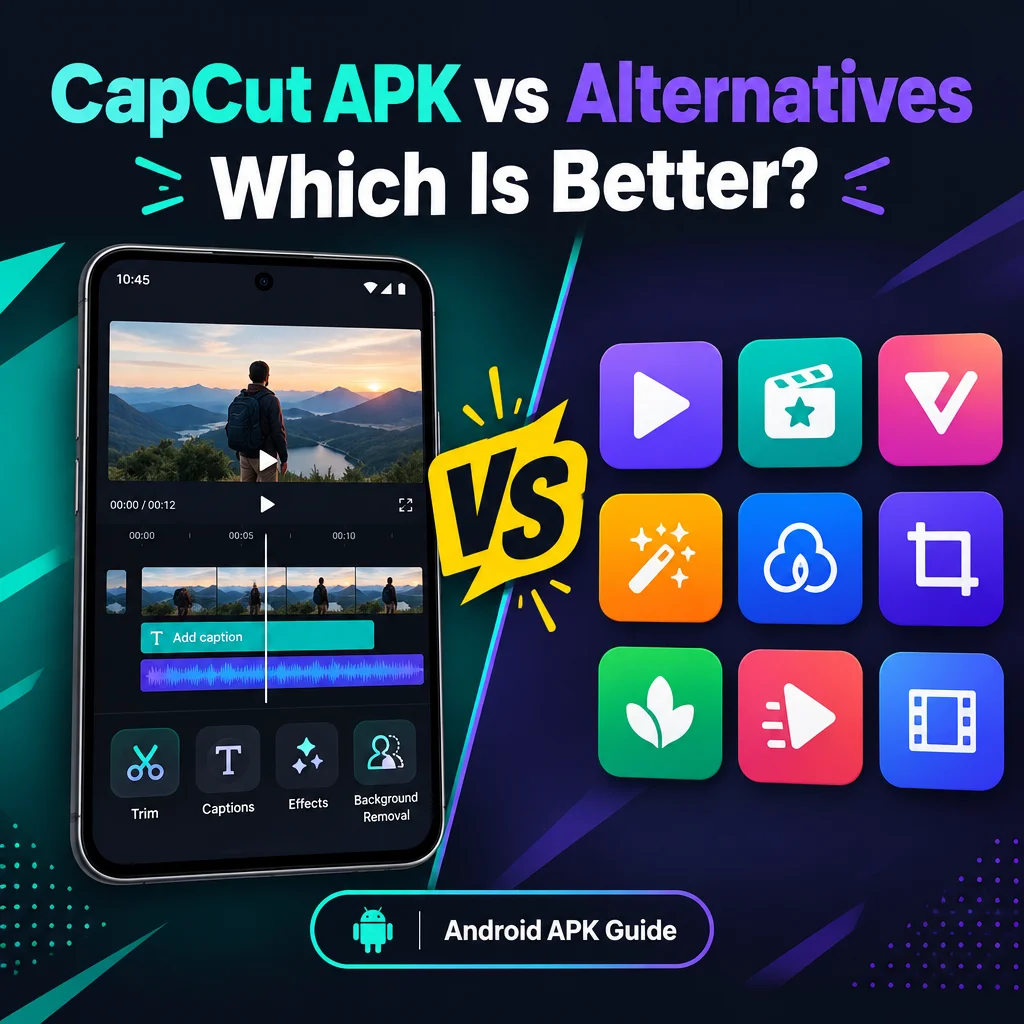
Capcut Pro APK vs Alternatives: Which is Better?
October 13, 2026 (4 weeks ago)
Choosing between a CapCut Pro APK and other video editing apps is really about what matters most to you: convenience, editing power, platform support, cost, and trust. CapCut is popular because it makes short-form video editing feel simple, with tools for trimming, splitting, captions, effects, transitions, templates, multitrack editing, and background removal. However, when people talk about a “CapCut Pro APK,” they are often referring to an Android package found outside the official app store, and that deserves a careful comparison.
This guide is independent and informational. It is not affiliated with CapCut, ByteDance, or any official publisher. It also does not verify any APK file, scan status, safety, certification, version, or premium access. CapCut Pro features require the appropriate membership in the official app, and availability can depend on your device, region, platform, and plan.
What Is CapCut Pro APK?
An APK is an Android app package. It is used to install apps on Android devices, usually outside or alongside an app store. A file described online as “CapCut Pro APK” is often promoted as a way to access premium editing tools, effects, transitions, or watermark-free exports. The important point is that those claims should not be treated as guaranteed.
Because third-party APK files are not the same as downloading from an official store, users should be cautious. The file may not be the latest release, its contents may not be verified, and its permissions or behavior may differ from what you expect. If your goal is reliable access to CapCut Pro features, the official CapCut app with the correct membership is the safest and most predictable route.
CapCut Pro APK vs Official CapCut App
The official CapCut app is the better choice for most users who want a stable editing experience. It gives you access to supported features based on your region, platform, device, and plan. You also get a clearer path for updates, account support, and feature availability.
- Trust: The official app comes from recognized distribution channels, while third-party APK files require extra caution.
- Updates: Official versions are easier to keep updated. APK files may be outdated or modified.
- Premium features: CapCut Pro tools require the proper membership in the official app.
- Platform support: APK packages are Android-only. They are not made to install directly on iPhone, iPad, Windows, or macOS.
- Reliability: Official apps generally offer a more predictable experience for editing, exporting, and account syncing.
If you only need basic editing, the standard official CapCut app may already be enough. You can trim clips, split footage, add text, use captions, apply effects, work with audio, and create social media videos without needing to search for unofficial files.
CapCut Pro APK vs VN Video Editor
VN Video Editor is a strong alternative for people who want a clean editing workspace with timeline control. It is especially useful for creators who prefer manual editing instead of template-driven production. VN offers tools for cutting, music, text, filters, transitions, and layered editing, depending on the device and app version.
- Best for: Users who want simple timeline editing with good creative control.
- Ease of use: VN is beginner-friendly, but it may feel more traditional than CapCut.
- Creative tools: CapCut often feels stronger for trendy social content, effects, captions, and quick edits.
- Safety and reliability: The official VN app is a clearer choice than downloading an unverified APK from unknown sources.
VN is a good option if you want a lightweight editing experience without relying heavily on premium templates or automated tools. CapCut may still be more appealing if your content style depends on trending effects, auto captions, and fast social video workflows.
CapCut Pro APK vs InShot
InShot is known for quick mobile editing. It is popular for reels, stories, short clips, and simple social media videos. It is less focused on advanced timeline editing and more focused on speed, cropping, music, text, stickers, filters, and easy formatting.
- CapCut strength: Better for multitrack projects, captions, effects, and more advanced short-form edits.
- InShot strength: Great for fast edits, resizing, basic text, music, and simple social posts.
- Learning curve: InShot is very simple for beginners.
- Best choice: Use InShot for quick edits and CapCut for more layered, polished videos.
If your videos are simple and you want to edit quickly, InShot can be easier. If you need more creative control, CapCut’s official app is likely a stronger option than relying on an unverified CapCut Pro APK.
CapCut Pro APK vs KineMaster
KineMaster has long been used by mobile editors who need timeline-based editing, layers, keyframes, audio control, transitions, and effects. It is closer to a traditional mobile editing studio than a quick template editor.
- Editing depth: KineMaster gives strong control over layers and timeline structure.
- CapCut advantage: CapCut is often easier for social media content, captions, effects, and fast creative edits.
- Workflow: KineMaster may suit users who like detailed manual editing.
- Premium access: Like CapCut, paid features in KineMaster require the proper plan through official channels.
KineMaster is a serious alternative if you want more control and do not mind learning a slightly more technical workflow. CapCut is usually more friendly for creators who want speed, style, and social-ready tools.
Adobe discontinued Premiere Rush on September 30, 2026; see Adobe’s discontinuation notice for details.
CapCut Pro APK vs Canva Video Editor
Canva is a different type of alternative. It is not just a video editor. It is a design platform that includes video creation tools. It works well for presentations, ads, social posts, brand content, thumbnails, and simple animated videos.
- Best for design: Canva is excellent for branded content, text layouts, and templates.
- Best for video editing: CapCut is stronger for clip-based editing, transitions, captions, effects, and mobile video workflows.
- Team use: Canva can be useful for teams managing brand assets and designs.
- Creative style: Canva feels more like a design tool, while CapCut feels more like a video editor.
If your main goal is social video editing, CapCut is usually the better fit. If your content needs strong graphic design, brand consistency, and simple video layouts, Canva is a useful alternative.
What About PC, iPhone, and Mac Users?
APK files are for Android only. You should not install an APK directly on iOS, macOS, or Windows. If you want to use CapCut on a computer, look for the official desktop version for your platform or use the web version where available. Some users run Android apps through an emulator on Windows or macOS, but that is different from using a native desktop app and may not support every feature smoothly.
For desktop editing alternatives, tools like DaVinci Resolve, Clipchamp, iMovie, and Canva may be better choices depending on your skill level and device. Desktop apps can be more comfortable for longer projects, larger timelines, and detailed edits.
Which Is Better?
For most users, the official CapCut app is better than using an unverified CapCut Pro APK. It is more reliable, easier to update, and clearer about which features are included in your plan. If you want CapCut Pro tools, the right path is the official app with the appropriate membership.
- Choose official CapCut if you want trendy effects, captions, mobile editing, templates, transitions, and a simple creative workflow.
- Choose VN if you want clean timeline editing with fewer distractions.
- Choose InShot if you need fast and simple social media edits.
- Choose KineMaster if you want more manual control on mobile.
- Choose Canva if your videos need strong design, branding, templates, and text layouts.
CapCut remains one of the most convenient choices for short-form content creators, especially those who want trimming, splitting, captions, effects, transitions, audio tools, and background removal in one place. But when comparing a CapCut Pro APK with alternatives, the biggest issue is not just features. It is trust, support, and whether the app experience is legitimate and predictable.
If you care about dependable editing, safe account use, and proper feature access, official apps and trusted distribution channels are the better choice. Alternatives like VN, InShot, KineMaster, and Canva each have strengths, but an unverified APK should be approached carefully and never assumed to provide premium access, watermark-free exports, or a safer editing experience.
Recommended For You